
Martial Arts School Software: What to Look for Before You Switch
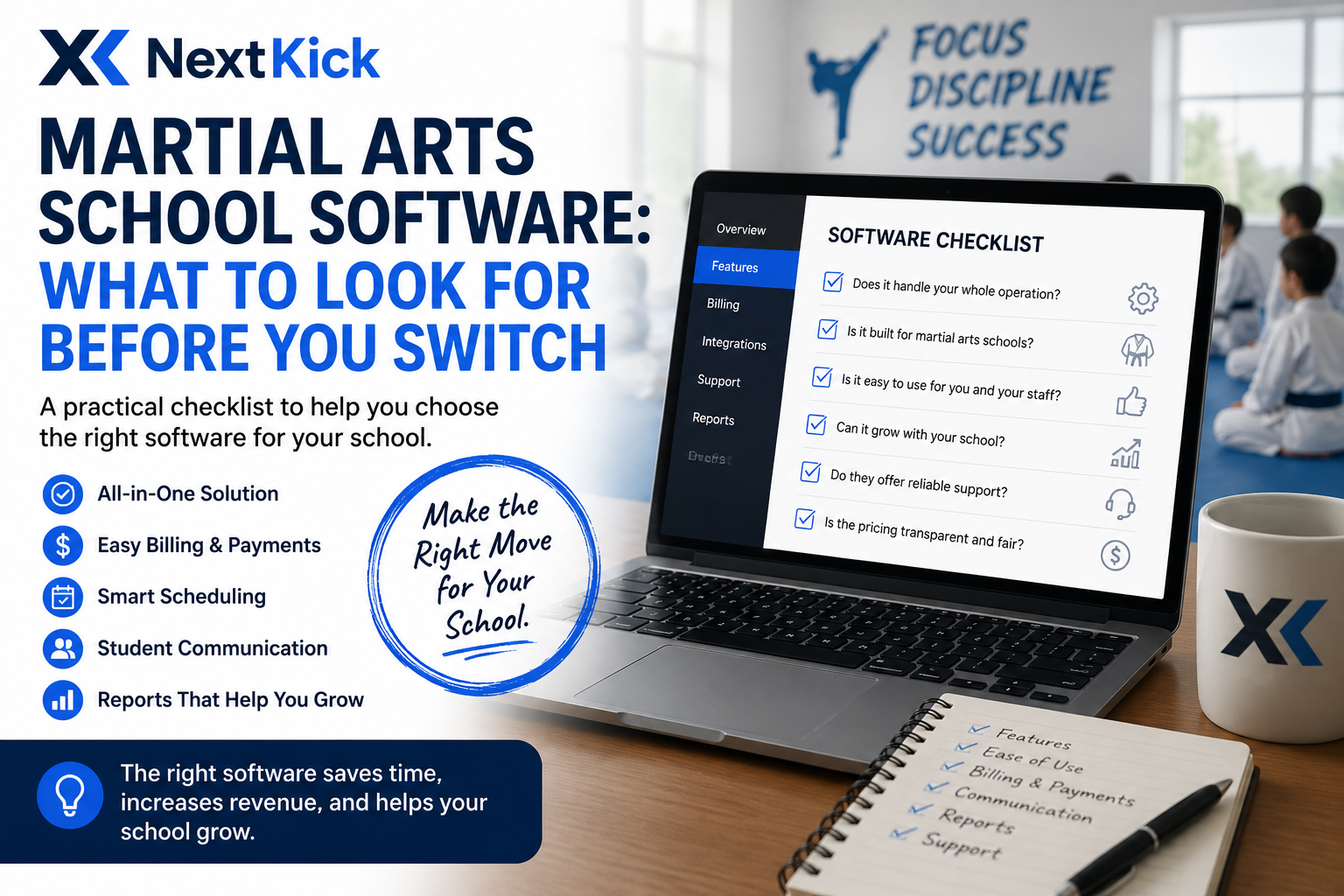
If you're reading this, there's a good chance you're already frustrated with something: a scheduling tool that doesn't talk to your billing system, a check-in process that eats up front-desk time, or a website that hasn't been updated since your school opened. Switching software is a real project — data migration, staff retraining, student communication — so before you commit to a new platform, it's worth knowing exactly what separates a good fit from a costly mistake.
Here's what to actually look for.
1. Does It Handle Your Whole Operation, or Just One Piece?
Many tools on the market were built for a single job — a scheduling app, a payment processor, a generic gym CRM adapted for martial arts. The problem is that these tools don't talk to each other, which means you (or your staff) end up manually reconciling data across three or four systems every week.
Ask any vendor: "Can this handle student management, scheduling, billing, and check-in in one place — or will I still need other tools alongside it?" If the answer involves "and it integrates with X," dig into how well that integration actually works in practice, not just in the sales deck.
2. Is It Actually Built for Martial Arts Schools?
Generic gym or fitness software will get you 70% of the way there, but martial arts schools have needs that generic platforms weren't designed for: belt rank tracking, testing schedules, afterschool program management with school pickup logistics, and parent communication workflows that look nothing like a typical gym's member relationship.
If a platform's case studies and feature list all reference "fitness studios" or "yoga classes," that's a signal it wasn't purpose-built for you — and you'll likely be working around its limitations rather than with them.
3. How Good Is the Check-In Experience — Really?
Check-in is the single most frequent interaction your school has with students and parents, often multiple times a week. If it's clunky — a shared tablet, manual sign-in sheets, staff hunting for names — that friction compounds daily. Ask to see check-in in action, not just described. Face-recognition check-in, for example, removes staff bottlenecks entirely and gives you clean attendance data as a side effect, without anyone having to do anything extra.
4. What Does Payment Processing Actually Cost You?
This is where a lot of schools get surprised after they've already switched. Ask upfront:
What are the actual card and ACH processing rates (not just the software subscription fee)?
Are there hidden fees for chargebacks, failed payments, or reporting?
Can the platform handle multiple pricing tiers, family discounts, and program-specific billing (e.g., afterschool vs. regular tuition) without manual workarounds?
A platform that looks cheap on the subscription line can end up costing more once you factor in processing rates and the staff hours spent fixing billing issues manually.
5. Does It Help You Grow, or Just Manage What You Have?
Good school management software should do more than keep the lights on — it should actively help you grow. Look for:
Built-in website and SEO tools, since most software search happens the same way you found this article
Reporting that shows you attendance trends and retention risk before students quit, not after
Support for newer revenue lines like afterschool programs, which many schools are adding as a growth lever
6. What Happens When You Actually Need Support?
Ask what support looks like on a random Tuesday when your check-in system goes down 15 minutes before evening classes start. Is there a real human to call, or a ticket queue with a 48-hour SLA? For software that's this operationally central to your school, support responsiveness isn't a nice-to-have — it's part of the product.
7. How Painful Is the Actual Switch?
Finally, ask directly: "What does migration look like? Will you help move my existing student data, billing history, and schedules — or am I starting from scratch?" A vendor confident in their onboarding process should have a clear, low-effort answer here. Vague answers are a red flag.
The Bottom Line
The right software should feel like it disappears into the background of running your school — not like a second job. Before you switch, get specific answers on integration, martial-arts-specific features, check-in experience, true processing costs, growth tools, and support — not just a features list and a demo.
NextKick was purpose-built for martial arts and taekwondo schools — combining student/CRM management, scheduling, billing, face-recognition check-in, afterschool programs, and websites in one platform.